connection per request → pooling
Connection pooling
A single pgx/pgxpool fronts Postgres instead of opening a fresh connection on every click — no connection storms.
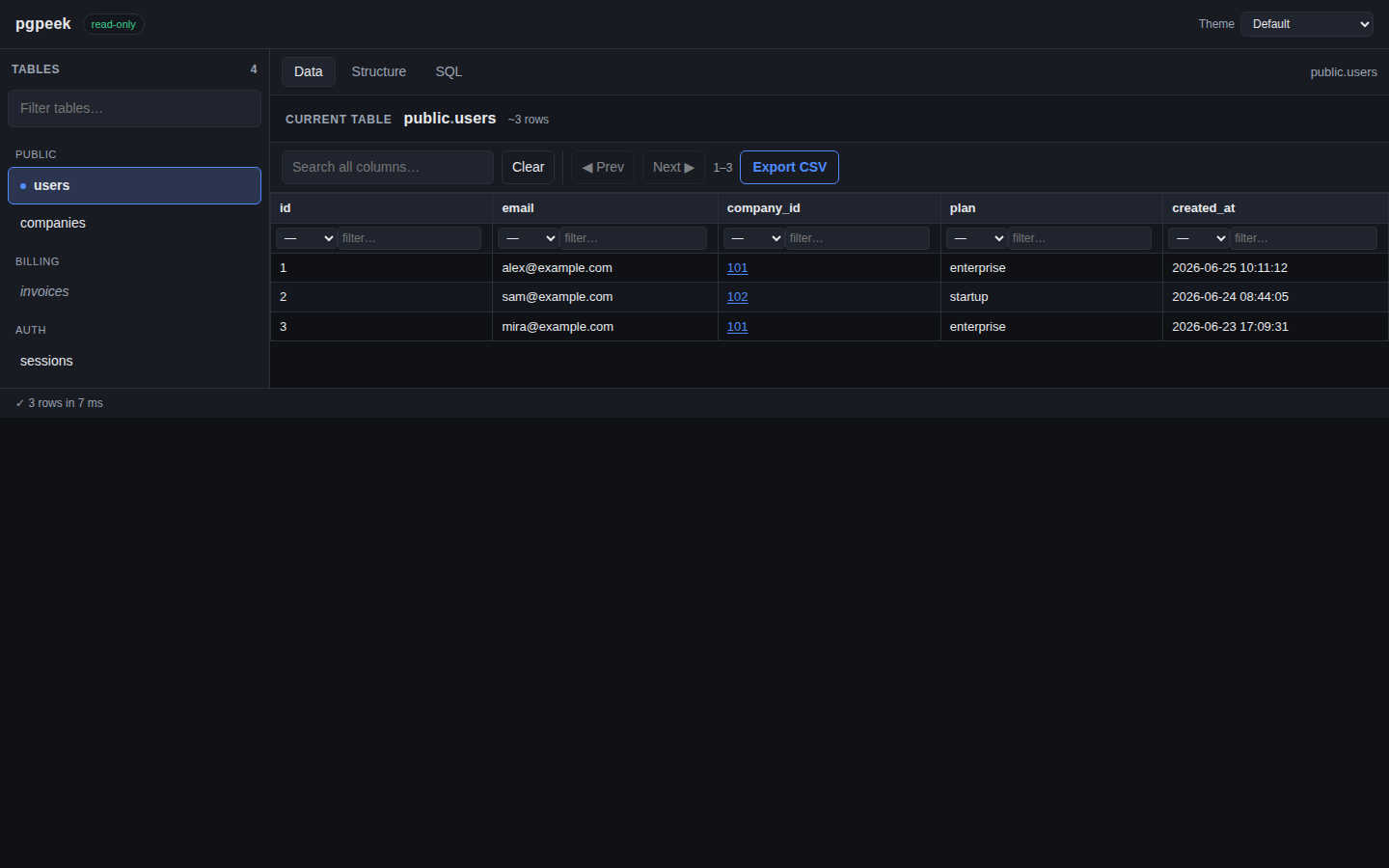
pgpeek is a minimal, read-only, team-shared Postgres browser — a sidebar of tables, paged row browsing, a SQL scratchpad with saved queries, and CSV export everywhere. Built to replace Adminer, shipped as one ~25 MB distroless binary.
Press Ctrl/⌘ + Enter to run a query.
Agent access: concise context structured index full context
Every failure mode that made the old tool wedge a pod was designed out on purpose.
connection per request → pooling
A single pgx/pgxpool fronts Postgres instead of opening a fresh connection on every click — no connection storms.
OOM on huge results → row cap
Results stop at PGPEEK_ROW_CAP; an enormous table is never fully buffered into memory, and the UI tells you when output was capped.
runaway query → statement timeout
statement_timeout is set on every pooled session, so a slow query can't wedge the pod for everyone else.
per-pod state → stateless
Saved queries live in a tiny SQLite file on a PVC. The query path holds no per-user state, so pods are disposable.
No row editing, no schema management, no migrations — browsing and querying, done well.
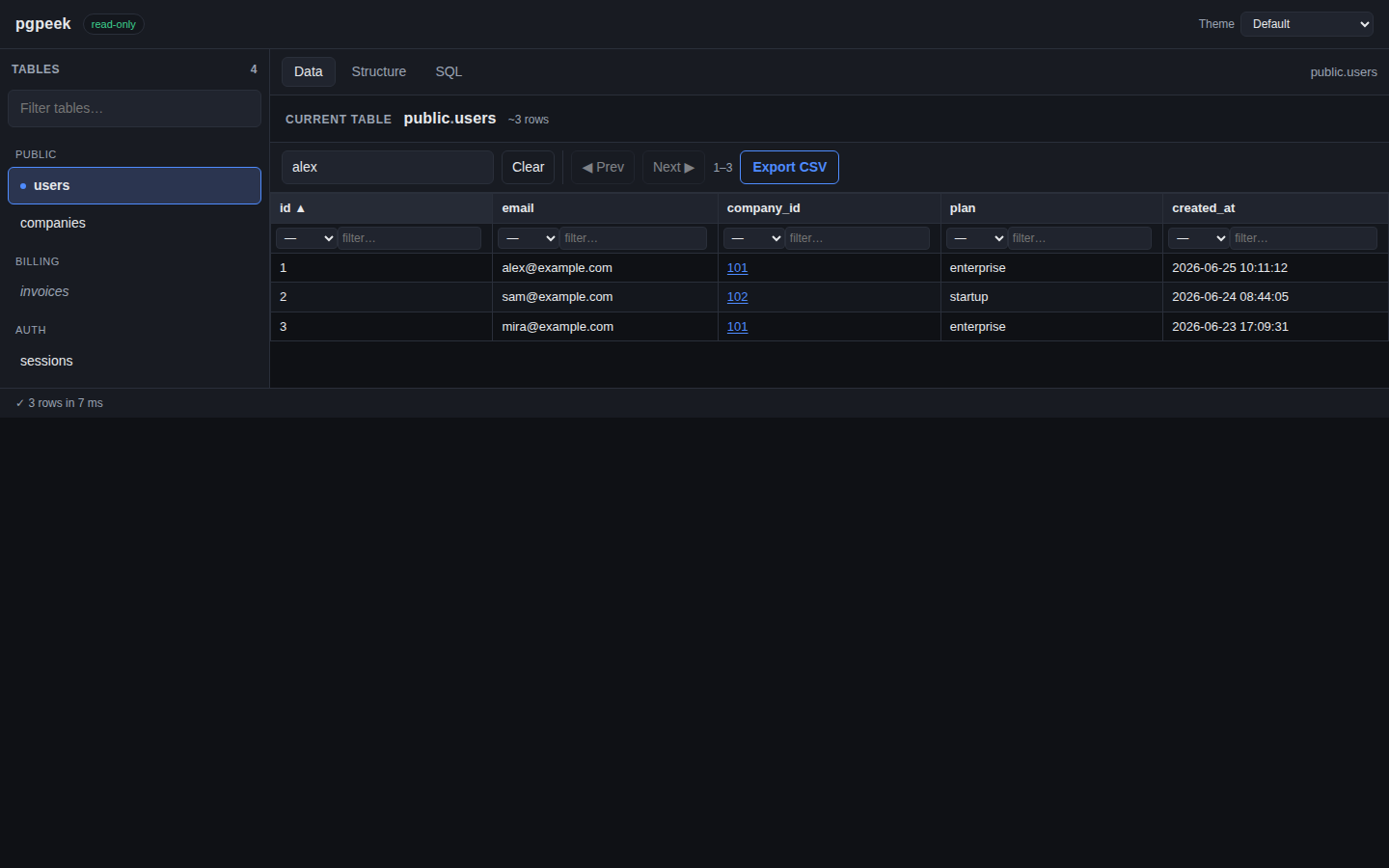
=, ≠, <, >, ≤, ≥, ILIKE, LIKE, IS NULL, NOT NULL.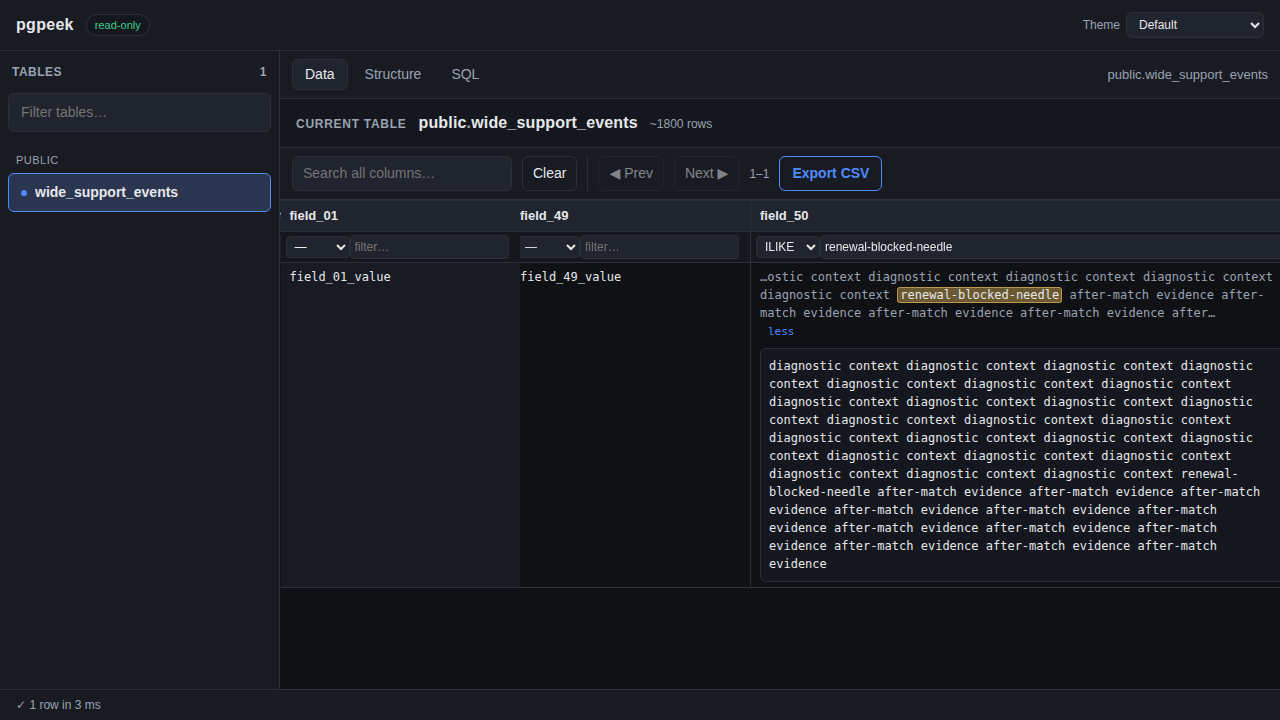
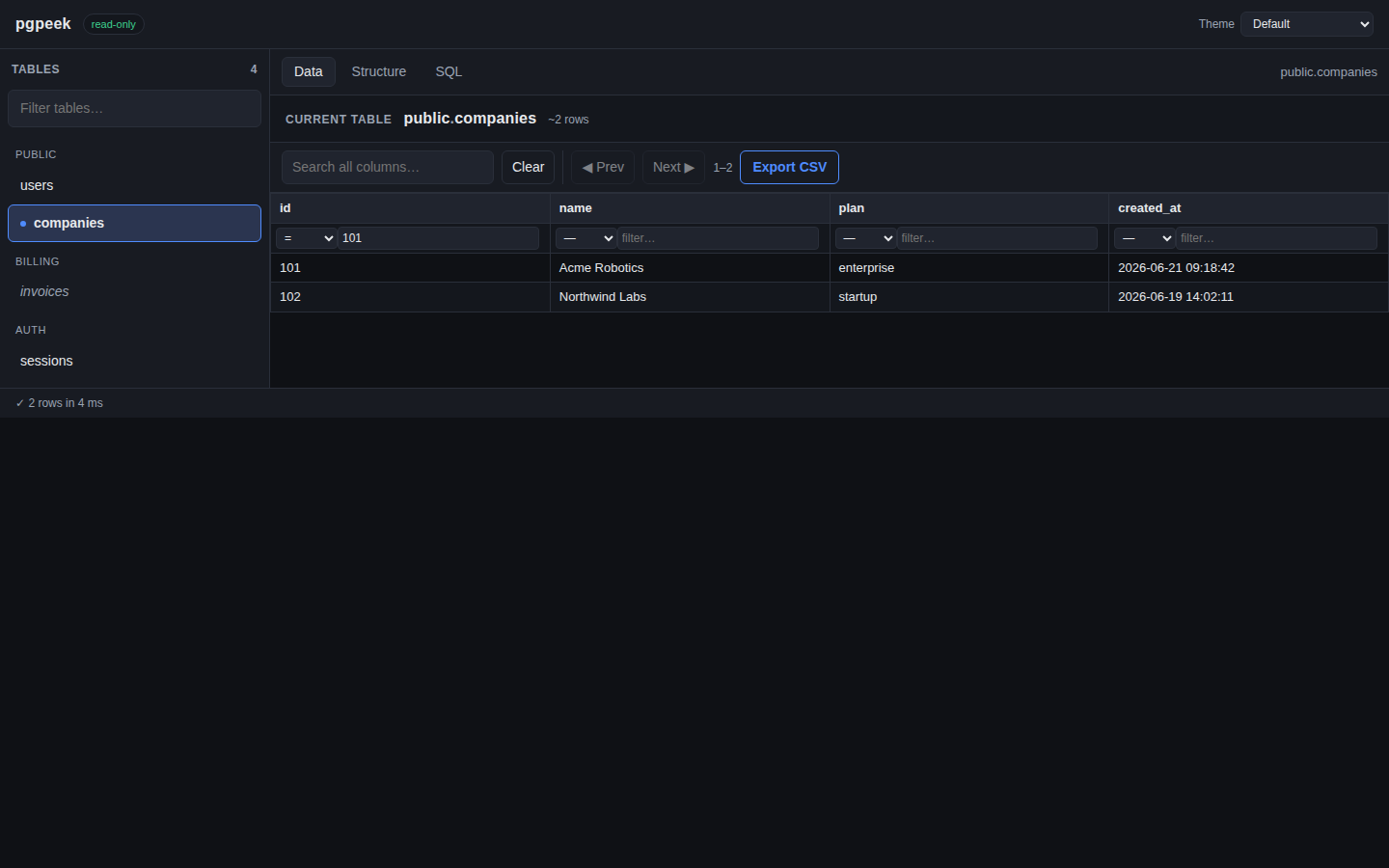
= value filter automatically.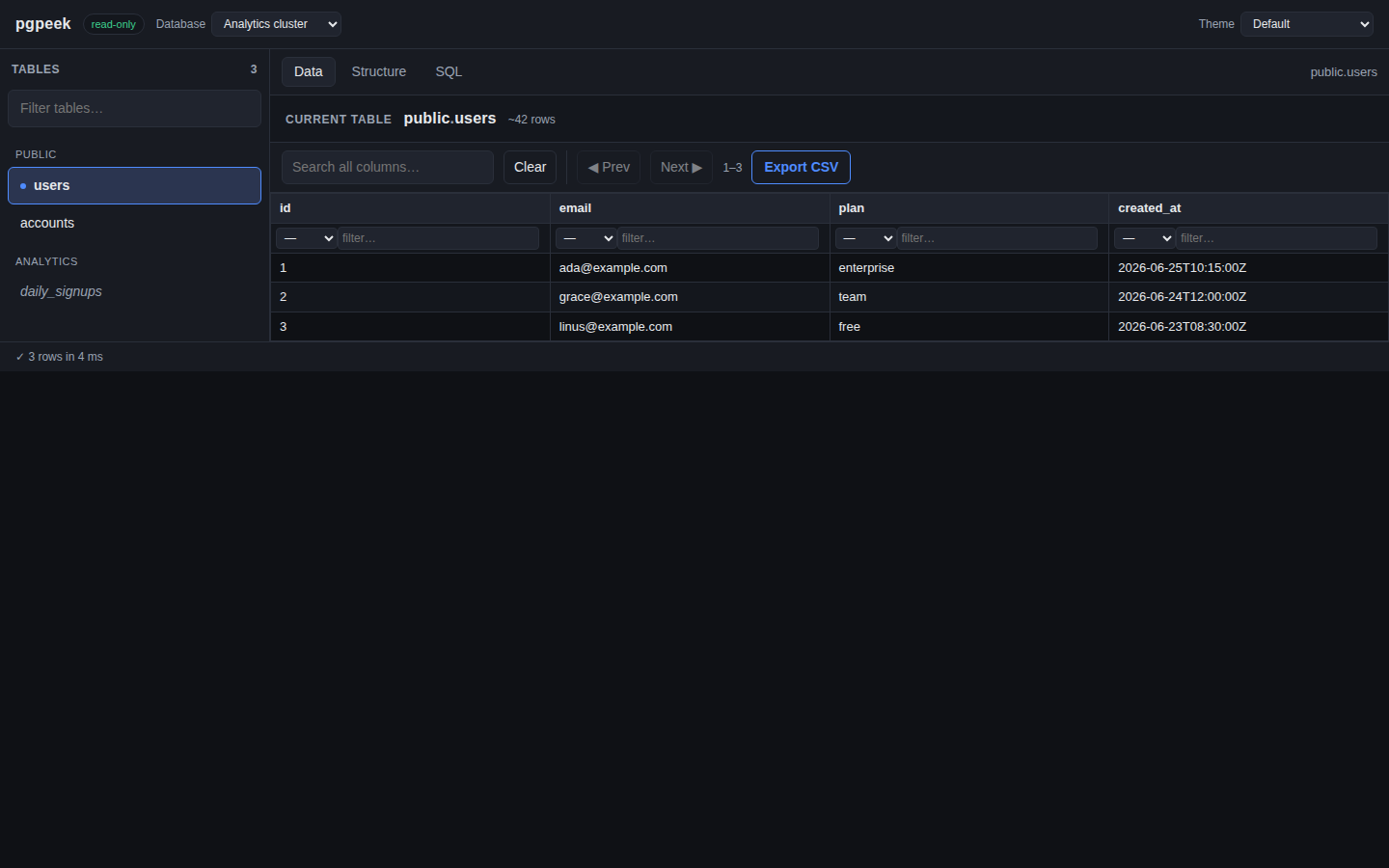
s parameter.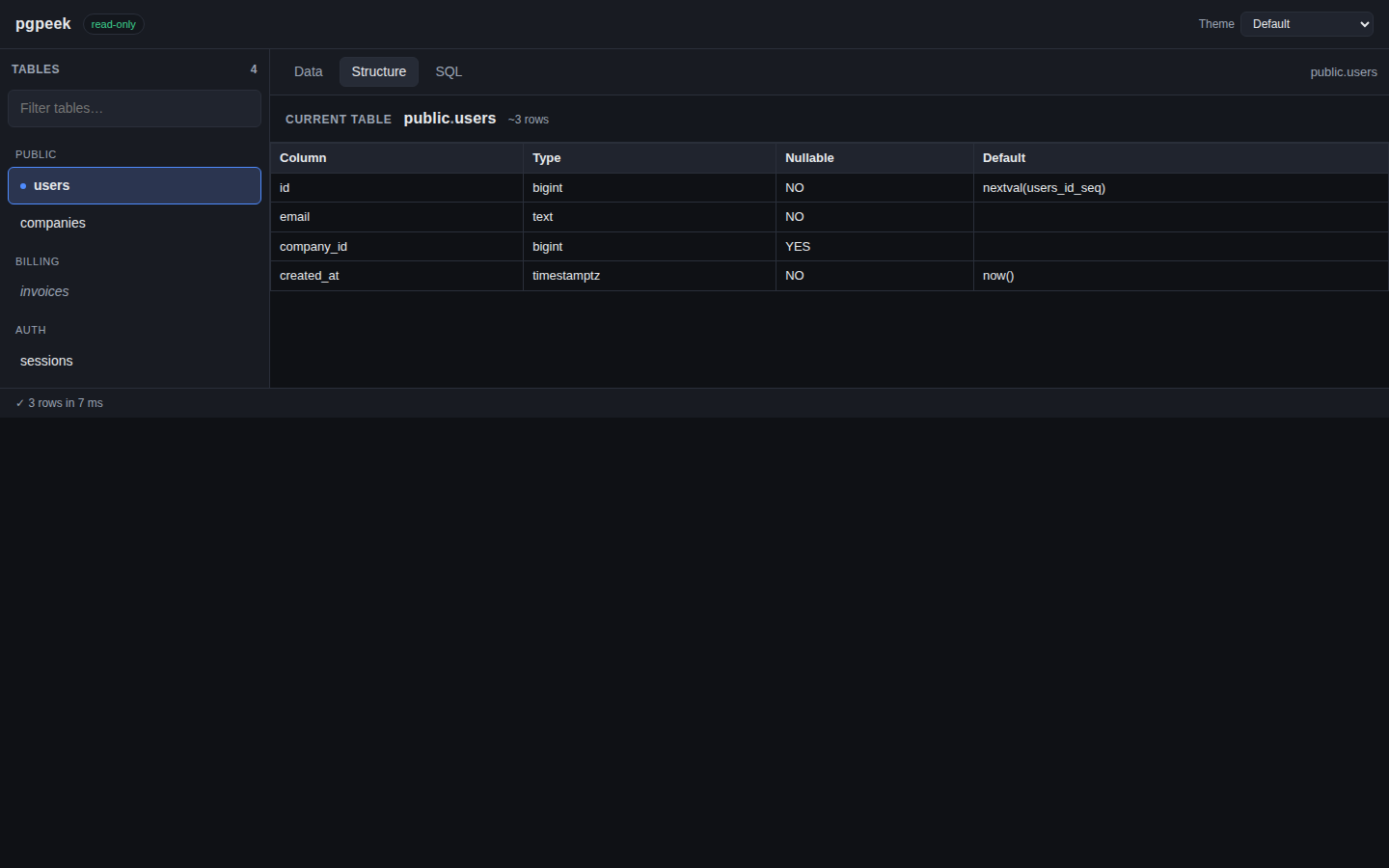
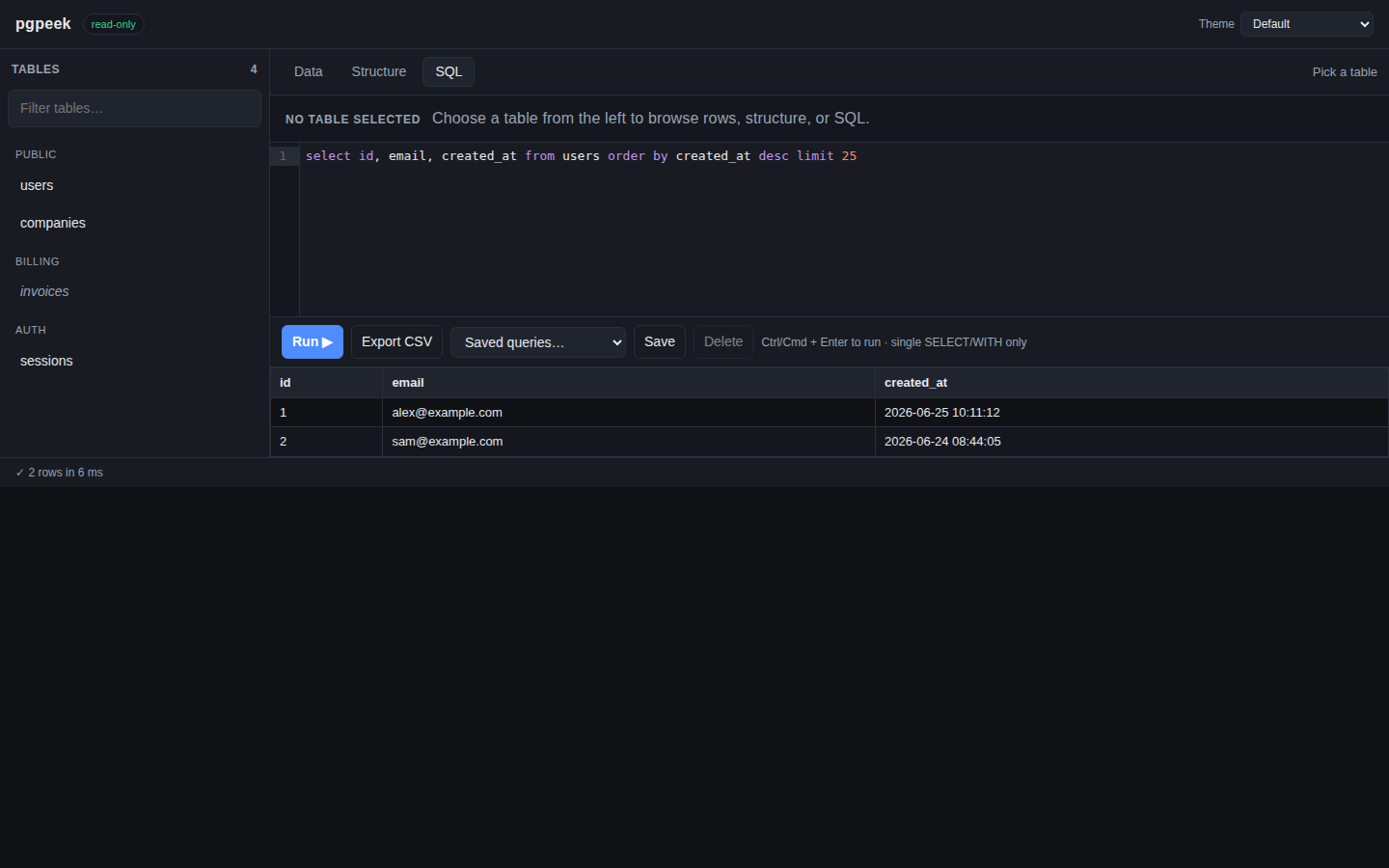
SELECT / WITH only — enforced.Twenty built-in color themes, switchable from the header dropdown — pgpeek remembers your choice in the browser. No rebuild, no config.
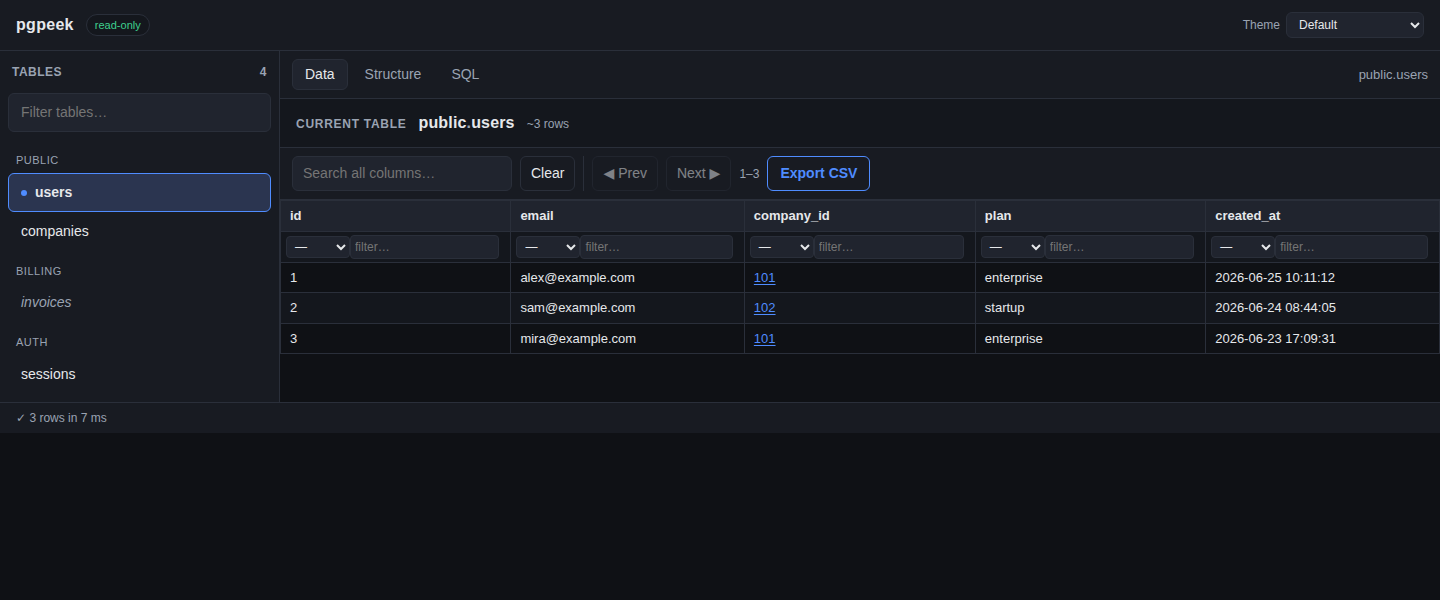
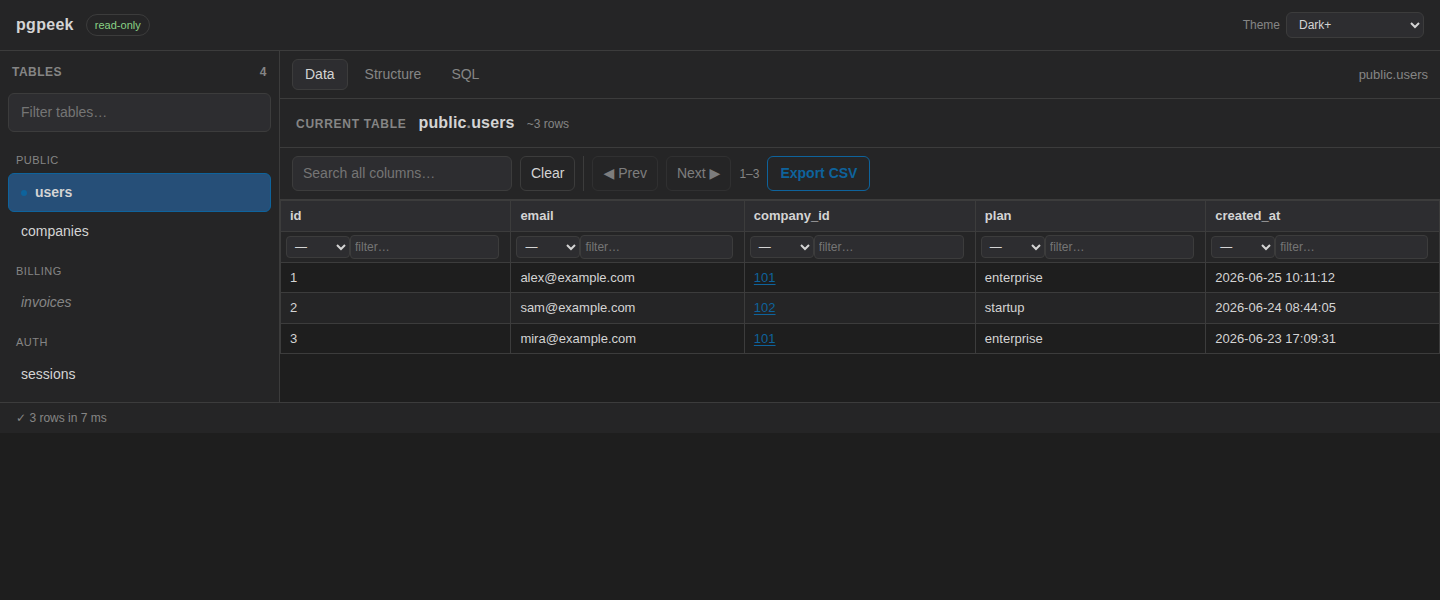
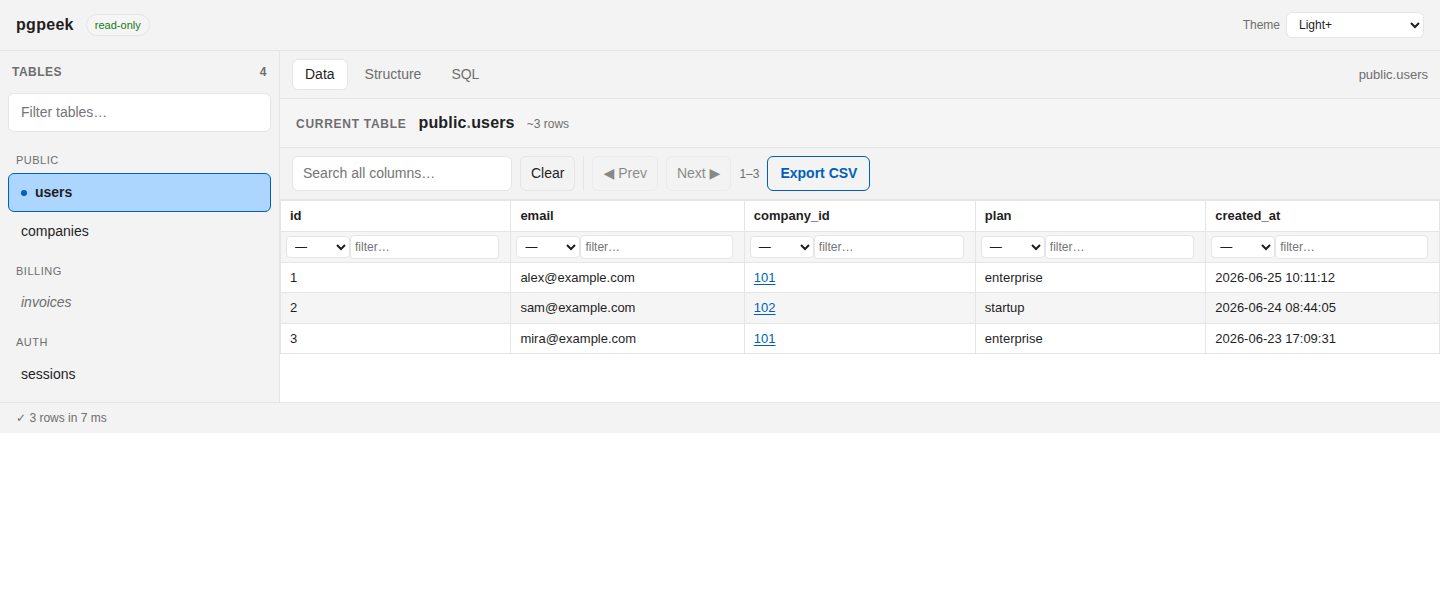
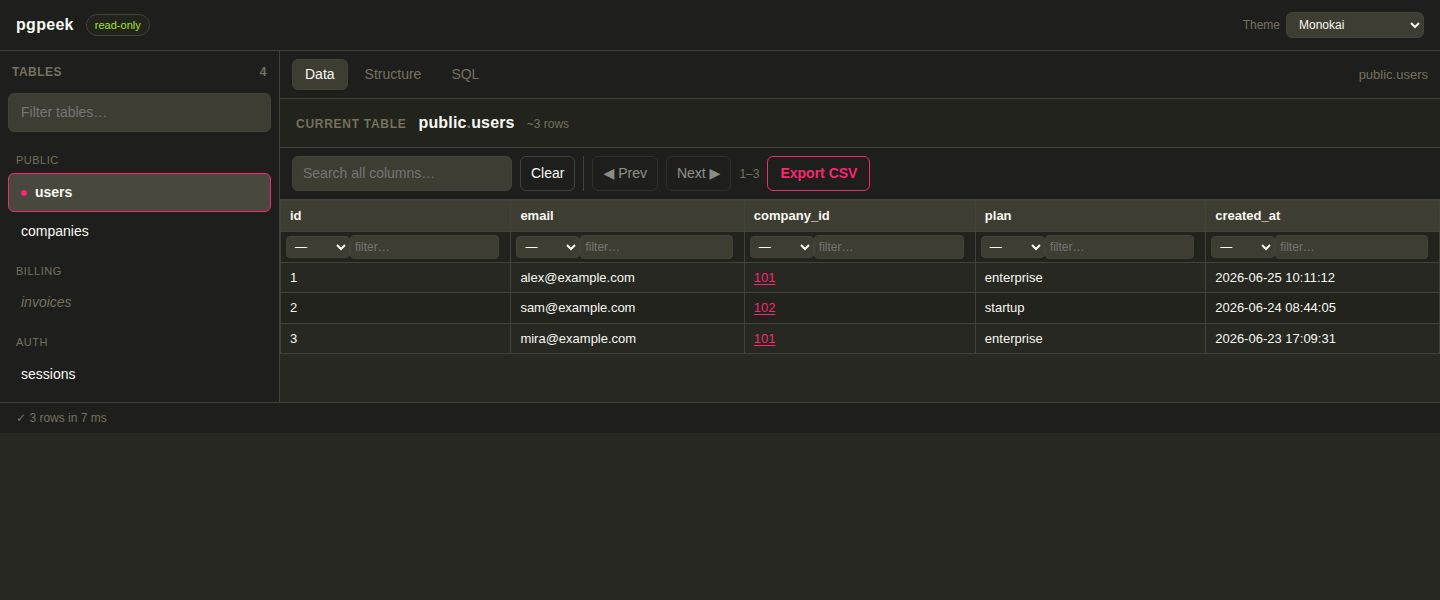
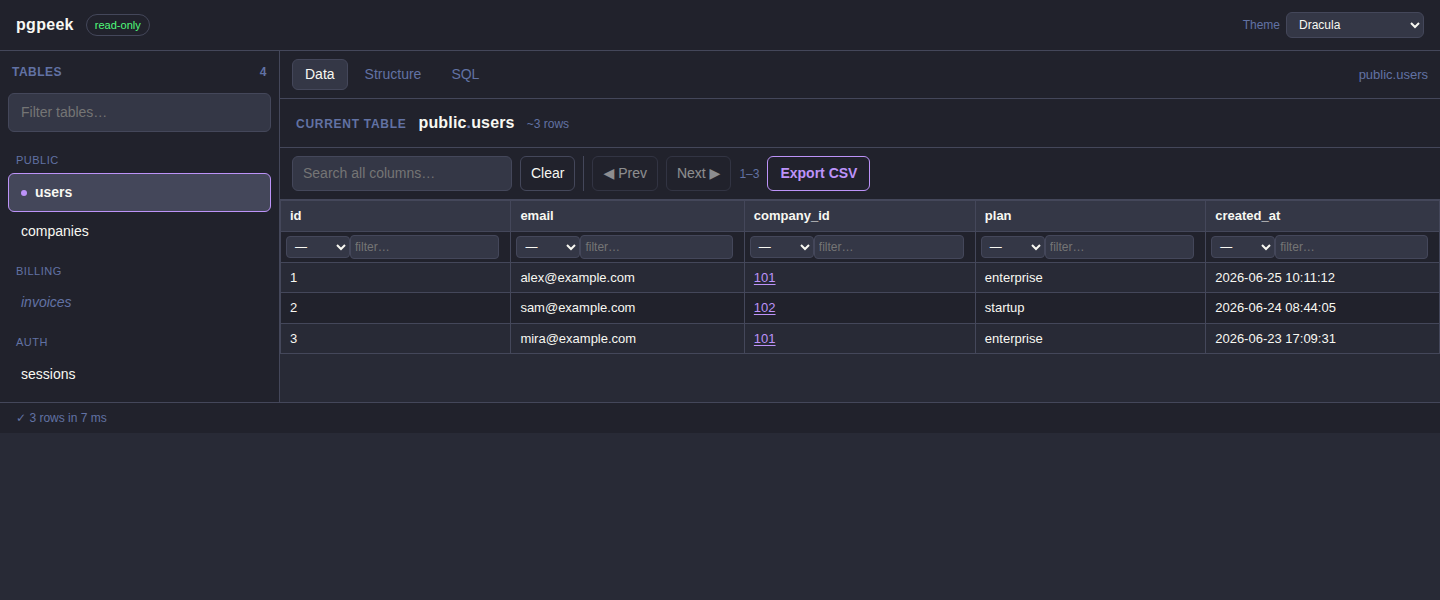
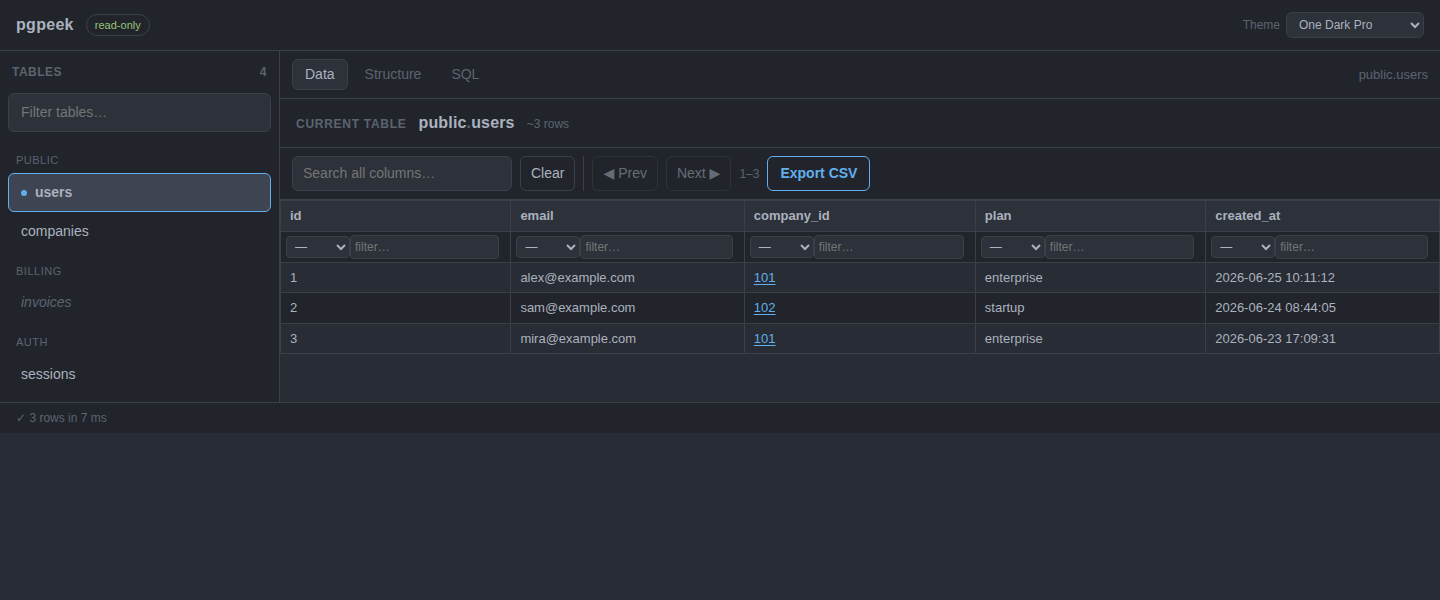
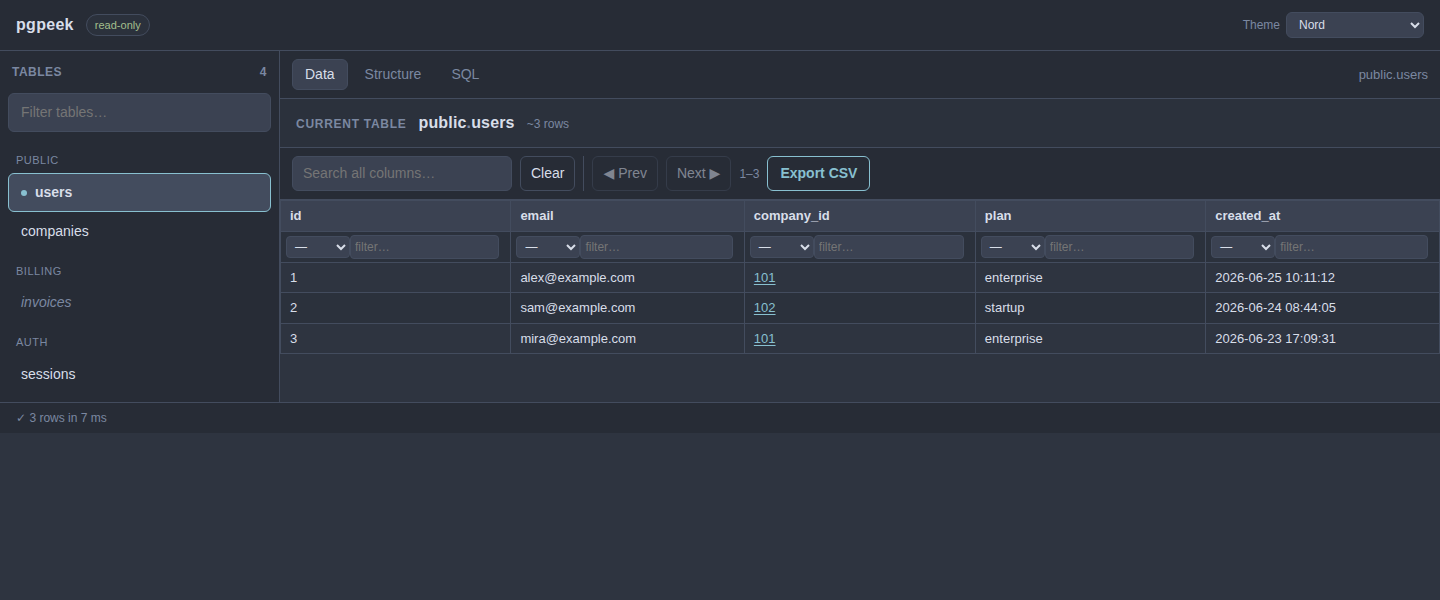
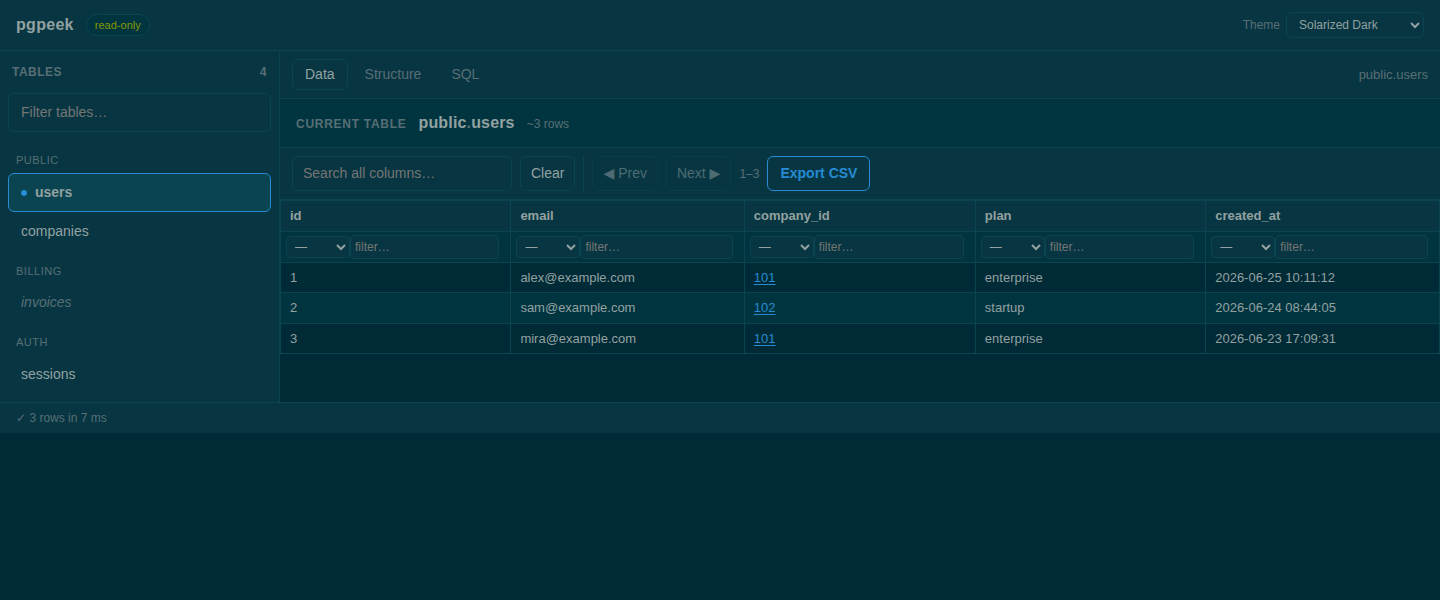
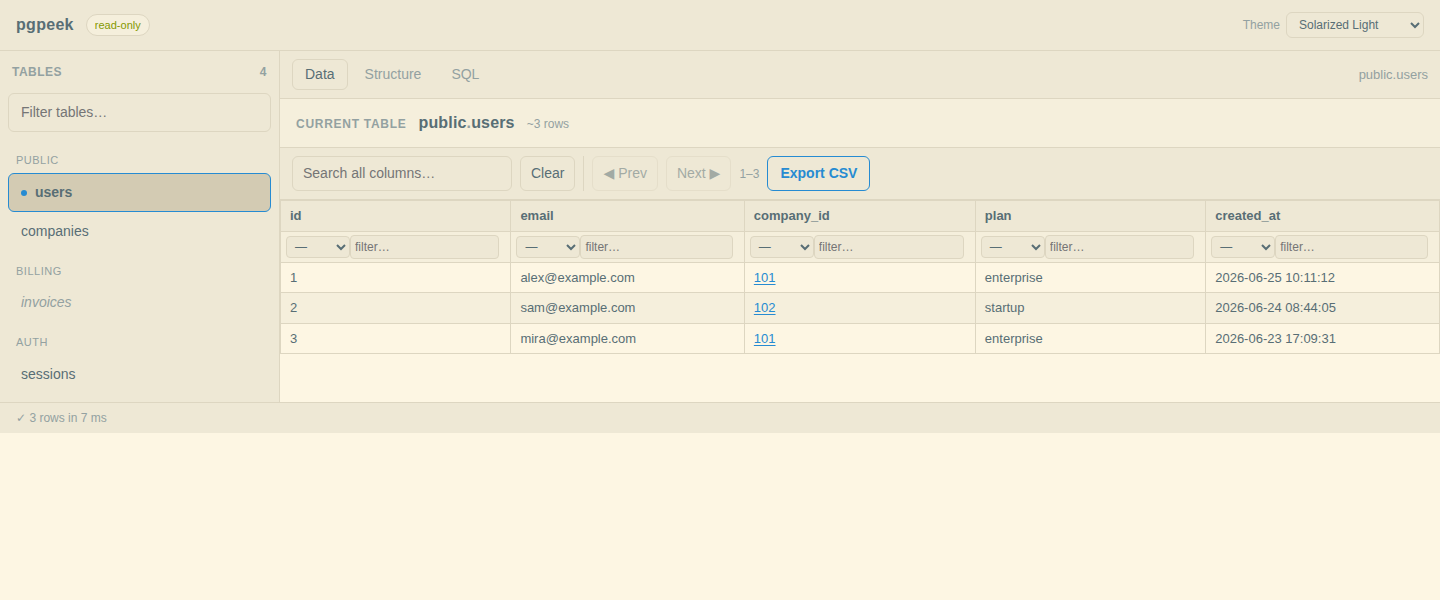
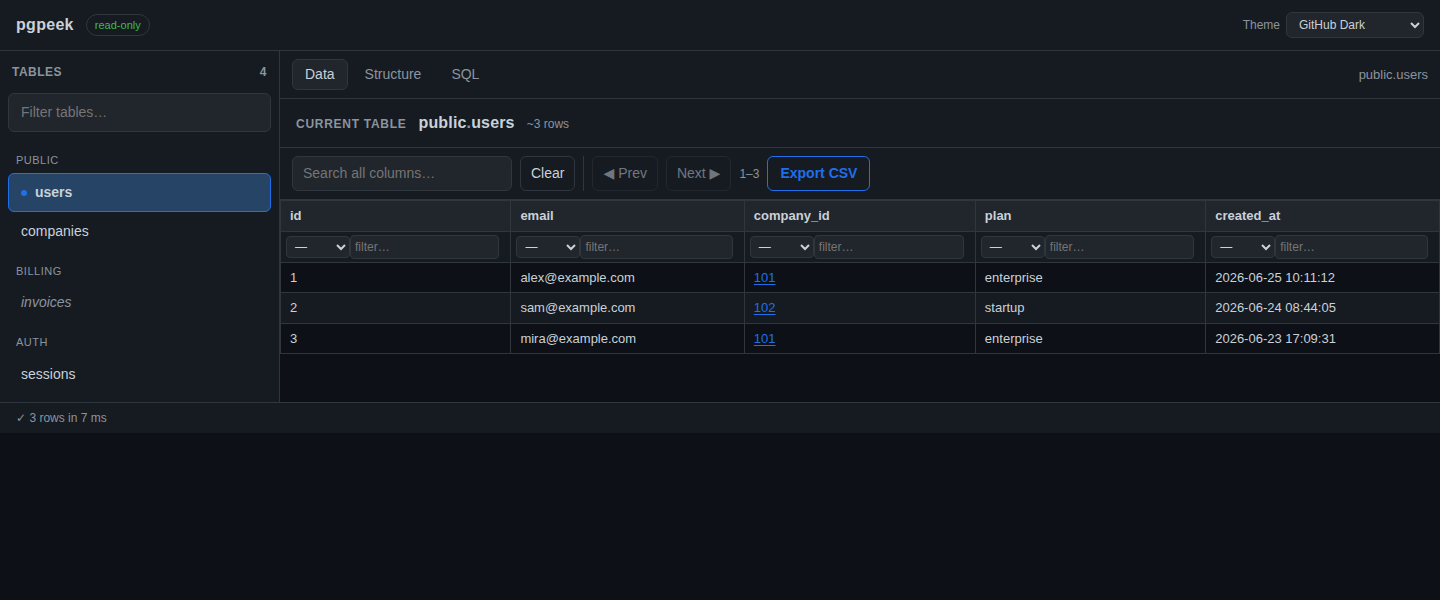
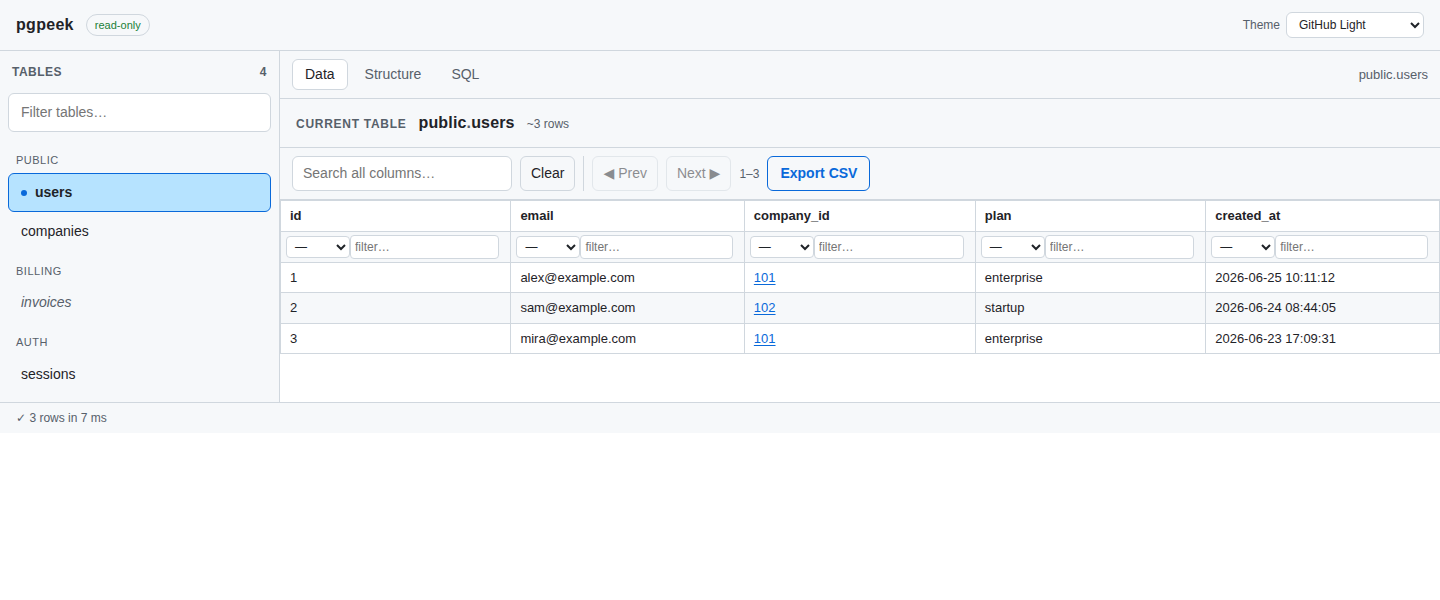
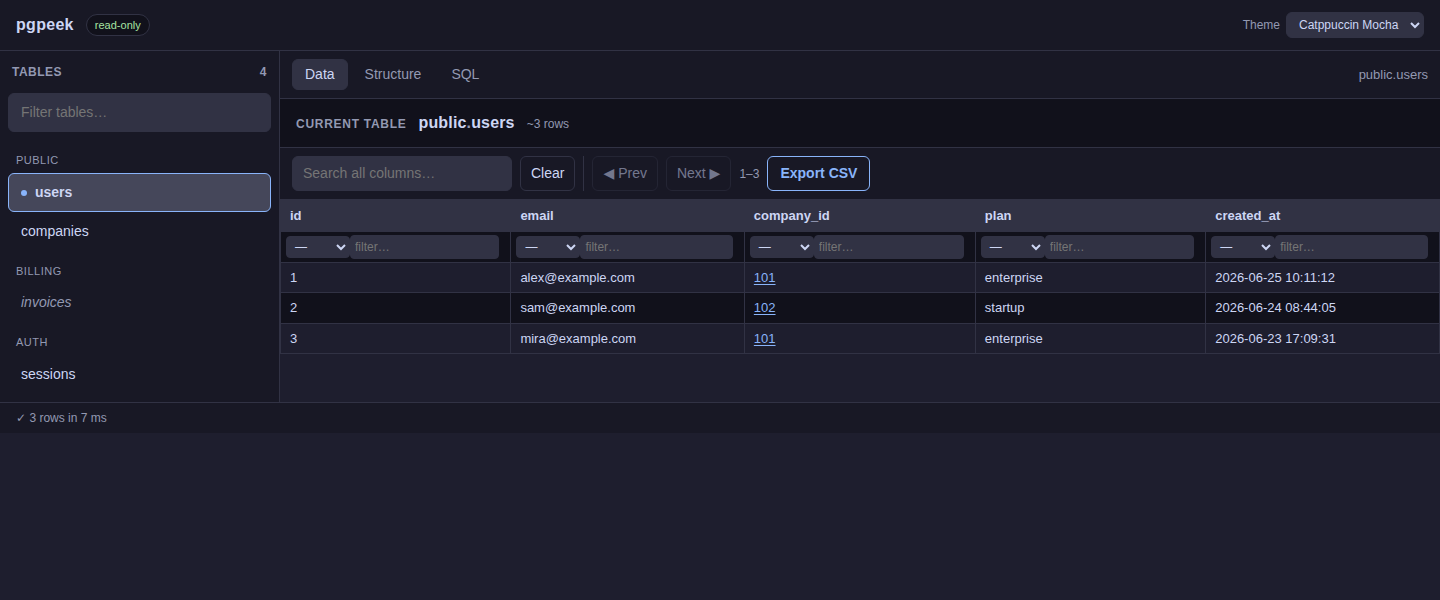
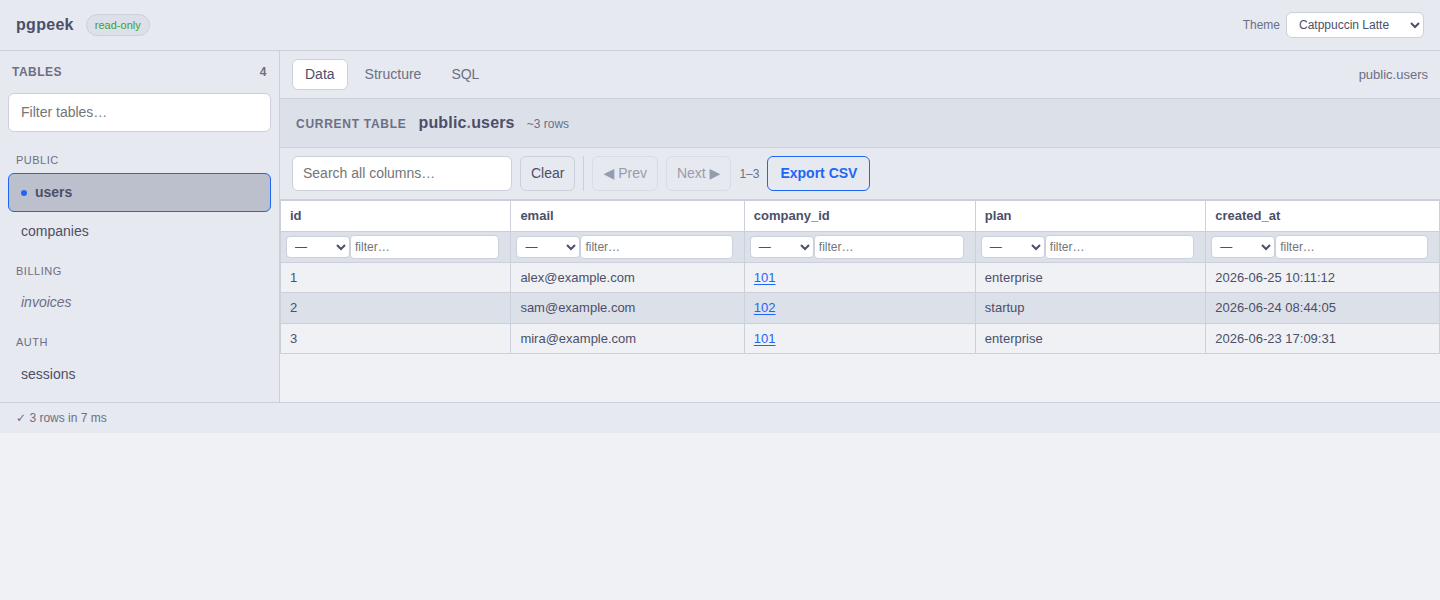
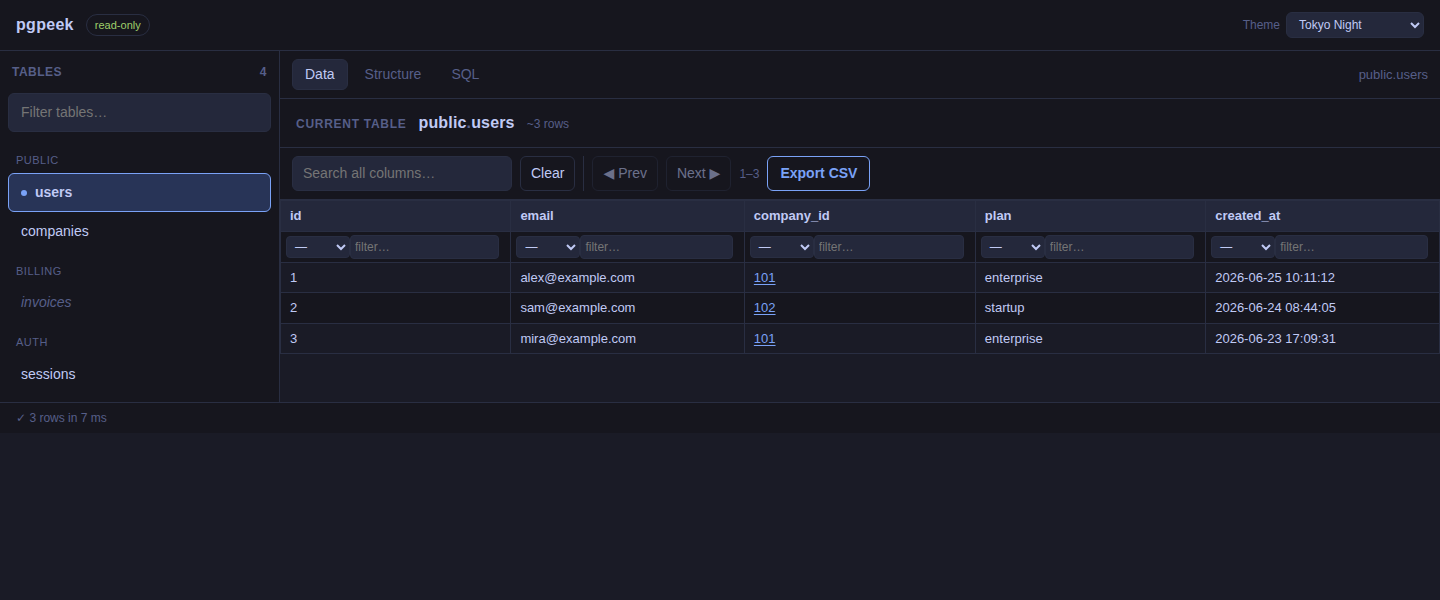
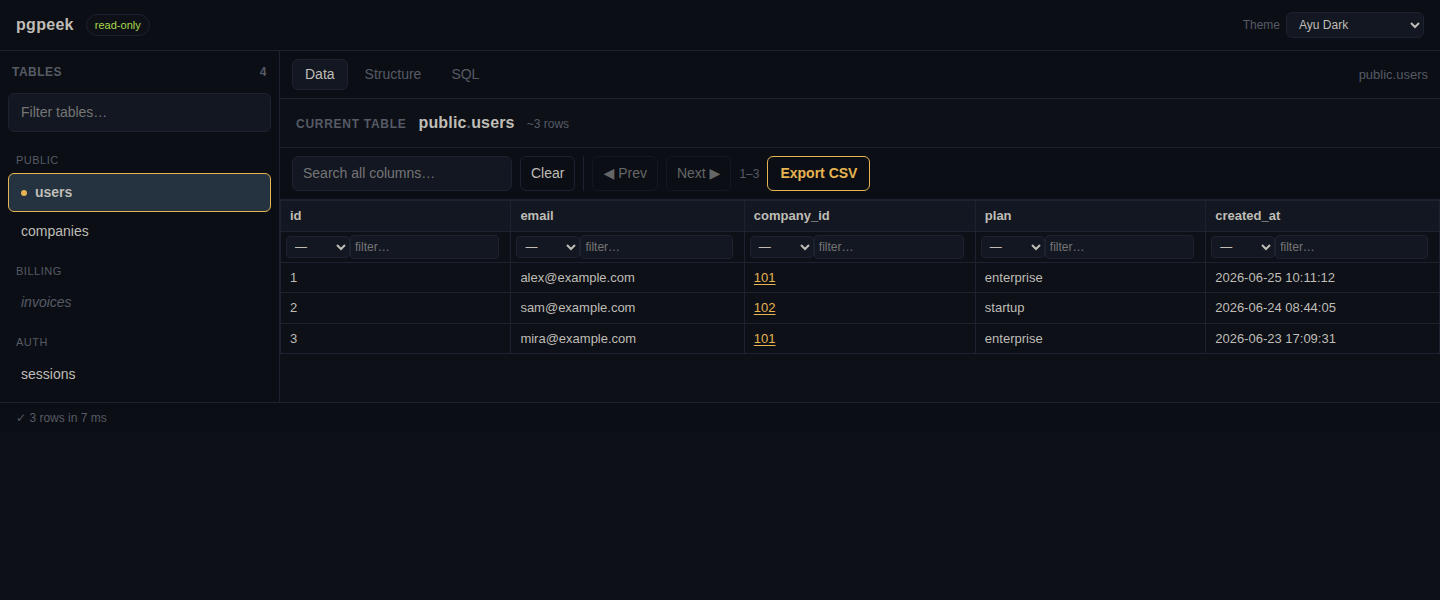
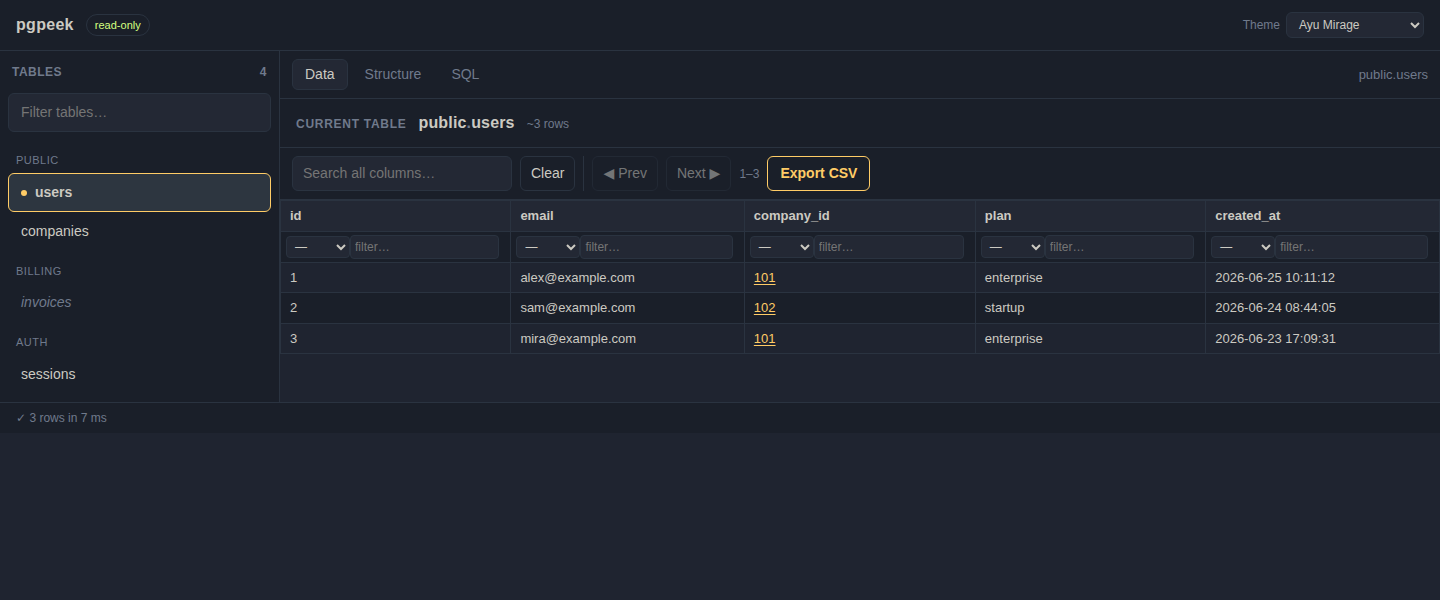
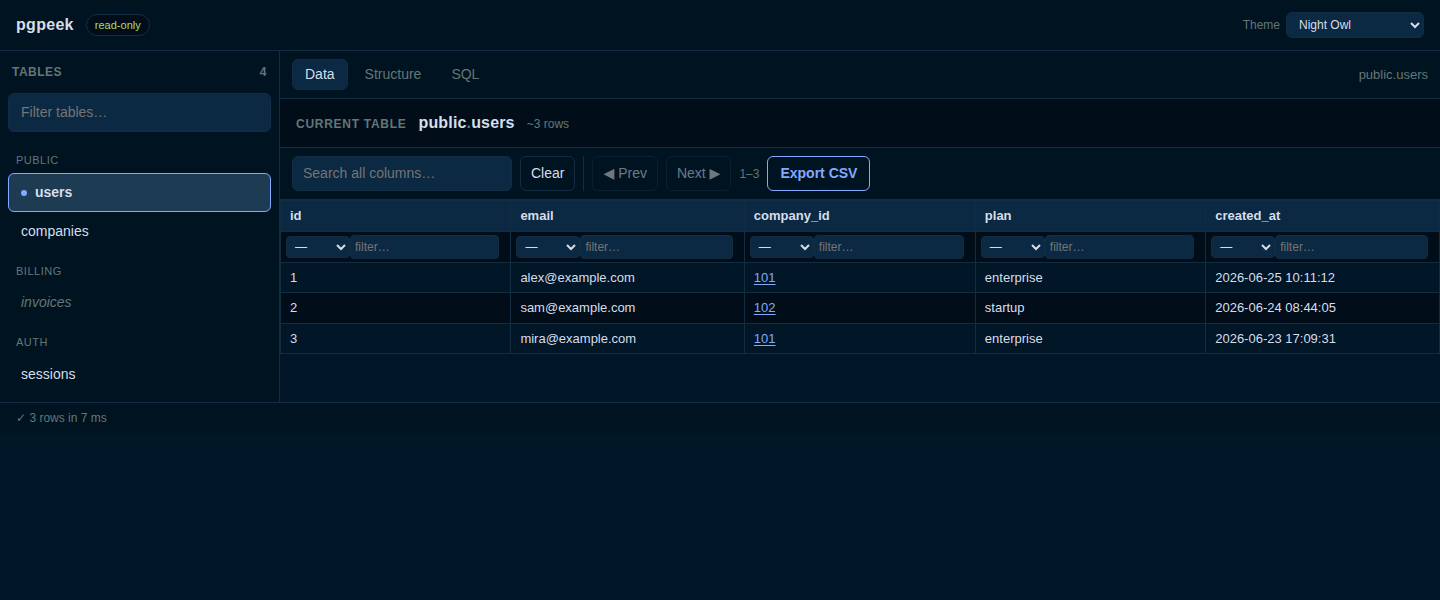
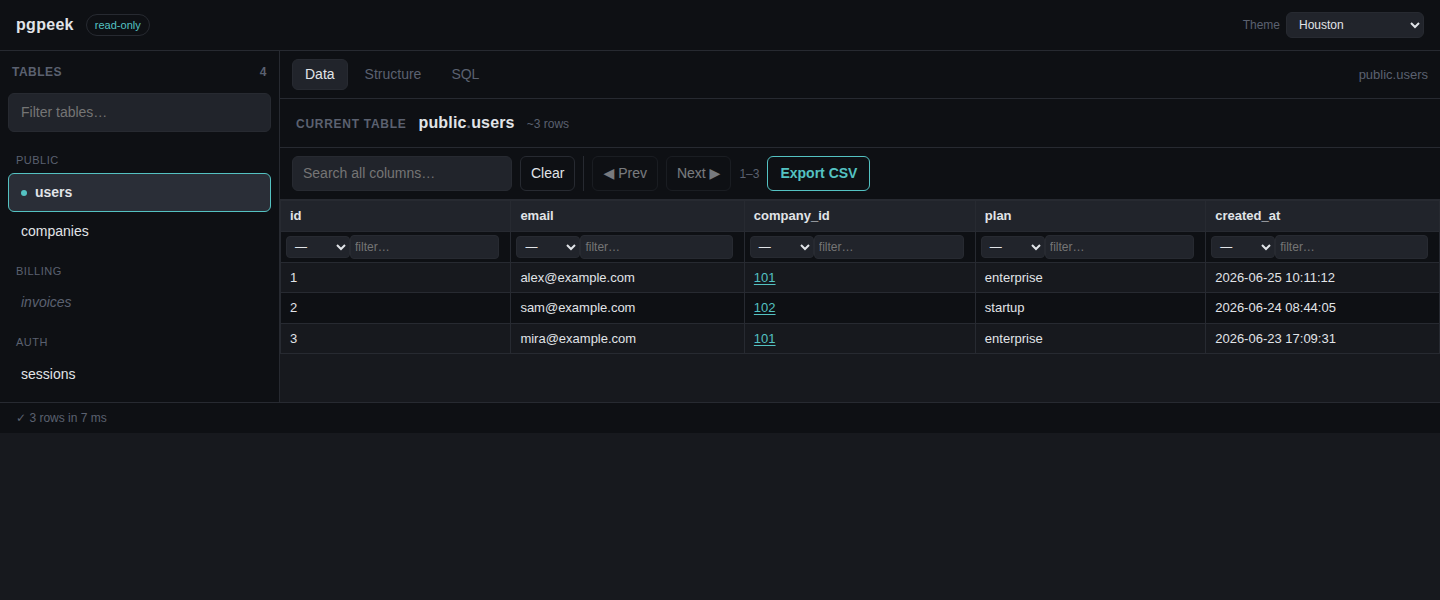
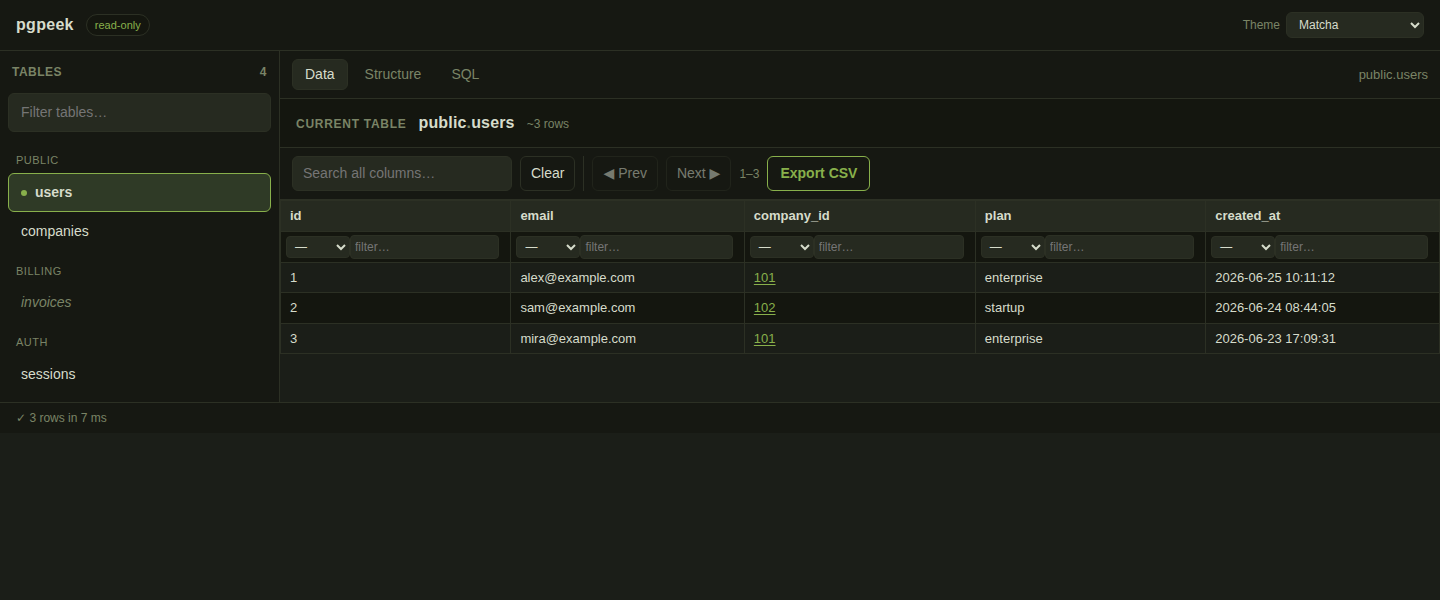
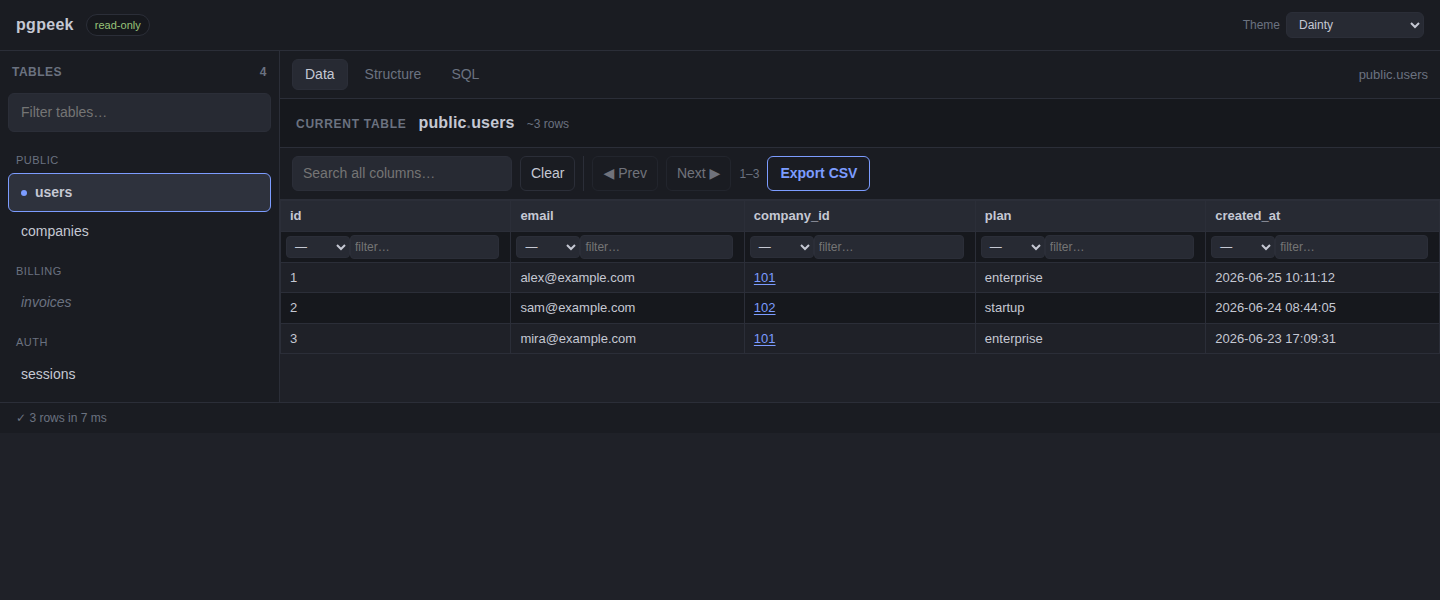
Read-only isn't a setting you can forget to flip — it's enforced at the role, the session, and the app.
pgpeek connects with a role that has no write privileges. This is what actually keeps your data safe — everything else is belt-and-suspenders.
pgpeek sets default_transaction_read_only = on on every pooled connection, so even an accidental write is rejected by Postgres.
internal/guardRejects anything that isn't a single SELECT / WITH / VALUES / TABLE / EXPLAIN — blocking multiple statements and DML/DDL, and aware of keywords hiding inside comments and string literals.
pgx.Identifier; operators come from a fixed allowlist; values are bound as query parameters; sort is ASC/DESC only. No user input is ever concatenated into SQL.
Cf-Access-Authenticated-User-Email in the UI. Set PGPEEK_REQUIRE_CLOUDFLARE_ACCESS=true to reject requests without Cloudflare Access headers. This is header enforcement only, not JWT validation; keep the origin reachable only through Cloudflare Access/Tunnel.
/mcp audience, expiry, and required scopes. Descope owns Dynamic Client Registration, login, consent, and token issuance; pgpeek remains the resource server.
The browsed database stays read-only; a tiny independent SQLite file holds saved queries.
jackc/pgx/v5 · modernc.org/sqlite (pure-Go, no cgo)
go:embed · CSP-safe
Run pgpeek locally with Docker Compose.
Create a pgpeek-only compose file and start it.
cat > compose.yml <<'YAML'
services:
  pgpeek:
    image: ghcr.io/descope-sample-apps/pgpeek:latest
    environment:
      DATABASE_URL: ${DATABASE_URL}
    ports: ["8080:8080"]
YAML

export DATABASE_URL='postgres://descoperead:PASSWORD@host:5432/db?sslmode=require'
docker compose up
Open http://localhost:8080. Stop with docker compose down.
Point pgpeek at any reachable Postgres with a read-only role.
export DATABASE_URL='postgres://descoperead:PASSWORD@host:5432/db?sslmode=require'
export PGPEEK_STORE_PATH=./pgpeek.db
go run .
Produce a static binary or a distroless image.
make build                 # static binary (CGO disabled)
make image                 # distroless image via goreleaser + ko
docker build -t pgpeek . # or the hand-written DockerfileSingle-database installs keep using DATABASE_URL. Multi-database installs can use URL lists, numbered env vars, or a mounted JSON config file.
| Variable | Default | Notes |
|---|---|---|
| DATABASE_URL | single-DB required | Postgres DSN for single-database installs. Use the read-only role. Never logged. (DATABASE_URL_FILE reads it from a mounted secret.) |
| PGPEEK_DATABASE_URLS | — | Comma/semicolon-separated DSNs for multiple databases. Pair with PGPEEK_DATABASE_IDS and PGPEEK_DATABASE_NAMES. |
| PGPEEK_DATABASE_URL_1 | — | Numbered multi-DB form; continue with _2, _3, … and use _FILE for mounted secrets. |
| PGPEEK_DATABASES_FILE | — | Mounted JSON config file with {default, databases:[{id,name,urlFile}]}. |
| PGPEEK_DEFAULT_DATABASE | first DB | Default database ID when the URL has no db=. |
| PGPEEK_LISTEN | :8080 | Listen address. |
| PGPEEK_ROW_CAP | 1000 | Max rows returned/exported per query. |
| PGPEEK_STATEMENT_TIMEOUT | 30s | Per-query DB statement timeout. |
| PGPEEK_IDLE_TX_TIMEOUT | 30s | idle_in_transaction_session_timeout. |
| PGPEEK_MAX_CONNS | 8 | Max pool size (caps DB connection usage). |
| PGPEEK_STORE_PATH | /data/pgpeek.db | SQLite file for saved queries. |
| PGPEEK_READ_HEADER_TIMEOUT | 10s | HTTP read-header timeout. |
| PGPEEK_WRITE_TIMEOUT | stmt+30s | HTTP write timeout (must exceed statement timeout for big exports). |
| PGPEEK_IDLE_TIMEOUT | 120s | HTTP keep-alive idle timeout. |
| PGPEEK_SHUTDOWN_TIMEOUT | 15s | Graceful-shutdown grace period. |
| PGPEEK_TLS_CERT_FILE | — | Enable HTTPS (set with the key file). Otherwise terminate TLS at the ingress. |
| PGPEEK_TLS_KEY_FILE | — | TLS private key path. |
| PGPEEK_REQUIRE_CLOUDFLARE_ACCESS | false | Return 403 unless Cloudflare Access headers are present; probes and OAuth protected-resource metadata stay open. |
| DESCOPE_MCP_SERVER_WELL_KNOWN_URL | — | Enable Descope OAuth for /mcp with the MCP Server OpenID discovery URL. DESCOPE_CONFIG_URL is an accepted alias; if both are set, they must match. |
| PGPEEK_MCP_SERVER_URL | — | Exact public MCP URL ending in /mcp; used as the protected resource and required JWT audience. |
| PGPEEK_MCP_REQUIRED_SCOPES | — | Comma- or whitespace-separated Descope scopes required on every MCP request. |
| PGPEEK_DB_IAM_AUTH | false | Use RDS/Aurora IAM auth instead of a password. |
| PGPEEK_AWS_REGION | $AWS_REGION | AWS region for IAM token signing (required when IAM auth is on). |
PGPEEK_DB_IAM_AUTH=true and a region, drop the password from the DSN, and pgpeek mints a short-lived IAM token from the default AWS credential chain (env / web-identity / IRSA / instance role) before every new connection — no static DB password stored anywhere.
?db=prod, alongside table, tab, filter, sort, and pagination params. For Kubernetes, mount a ConfigMap at /config/pgpeek/databases.json and Secret files at /secrets/*; for Compose, mount local directories with ./pgpeek-config:/config/pgpeek:ro and ./pgpeek-secrets:/secrets:ro. These are examples only — no extra deploy files are required.
Cf-Access-Authenticated-User-Email for the current user banner and can require Access headers with PGPEEK_REQUIRE_CLOUDFLARE_ACCESS=true. Use it only when Cloudflare Access/Tunnel is the only path to the origin.
Connect an MCP client to the exact public URL https://your-pgpeek.example/mcp. The stateless Streamable HTTP endpoint uses JSON responses and can be protected by Descope OAuth with Dynamic Client Registration.
| Tool | Purpose |
|---|---|
| list_databases | List configured database IDs and display names without exposing credentials. |
| list_tables | List user-facing tables and views in the selected database. |
| describe_table | Return columns and single-column foreign keys for a table or view. |
| query | Run one guarded, row-capped, read-only SQL statement. |
/mcp remains unauthenticated. Keep that deployment on a trusted network or behind an existing access proxy.
export DESCOPE_MCP_SERVER_WELL_KNOWN_URL='https://api.descope.com/.../.well-known/openid-configuration'
export PGPEEK_MCP_SERVER_URL='https://pgpeek.example.com/mcp'
export PGPEEK_MCP_REQUIRED_SCOPES='mcp:pgpeek.read'/mcp Server URL in Descope, enable DCR, and define the required scopes. At startup pgpeek requires an advertised registration_endpoint, matching scopes, a secure jwks_uri, and supported asymmetric signing algorithms. No Descope management key is required.
/.well-known/oauth-protected-resource, and unauthenticated /mcp responses link to it in WWW-Authenticate. When Cloudflare Access is also required, metadata remains public while /mcp must pass both gates.
The UI is just a client of these endpoints — script against them directly if you like.
| Method & path | Purpose |
|---|---|
| GET /api/databases | List configured databases → {defaultId, databases:[{id,name}]}. |
| GET /api/user | Current detected user: anonymous or a Cloudflare Access email. |
| POST /api/query?db=<id> | Run a query → JSON {columns, rows, …}. |
| POST /api/export?db=<id> | Run a query → CSV download. |
| GET /api/meta?db=<id> | Server limits the UI needs ({rowCap}). |
| GET /api/tables?db=<id> | List browsable tables/views (+ row estimate). |
| GET /api/tables/{schema}/{table}/columns?db=<id> | Column structure. |
| GET /api/tables/{schema}/{table}/fks?db=<id> | Single-column foreign keys (for click-through). |
| GET /api/tables/{schema}/{table}/data?db=<id> | Paged rows: &limit=&offset=&search=&sort=&dir=&f=col:op:val (&format=csv). |
| GET /api/queries | List saved/preset queries. |
| POST /api/queries | Create a saved query. |
| PUT /api/queries/{id} | Update a saved query. |
| DEL /api/queries/{id} | Delete a saved query. |
| POST /mcp | Send stateless Streamable HTTP MCP messages; GET and DELETE retain protocol transport behavior. |
| GET /.well-known/oauth-protected-resource | Public OAuth protected-resource metadata when Descope MCP auth is enabled. |
| GET /healthz · /readyz | Liveness · readiness (pings the DB). |
| GET / | The UI. |
Manifests live in k8s/ — Deployment, Service, PVC, optional Ingress, and a ServiceAccount.
Runs nonroot with a read-only root filesystem (only /data writable), drops all capabilities, and ships liveness /healthz + readiness /readyz probes.
The saved-query store is a SQLite file on a ReadWriteOnce PVC, so the Deployment ships replicas: 1 + Recreate. Move it to a shared backend to scale out.
release-please + goreleaser + ko publish multi-arch distroless images with SBOMs to ghcr.io/descope-sample-apps/pgpeek. Builds and runtime pin GOFIPS140=v1.0.0 and GODEBUG=fips140=on.
Use Secret-backed env for single DB or PGPEEK_DATABASE_URLS, Secret-mounted files for DATABASE_URL_FILE or numbered _FILE DSNs, and ConfigMap JSON plus Secret urlFile entries for multi-cluster routing.
PGPEEK_DB_IAM_AUTH=true, PGPEEK_AWS_REGION, and a passwordless DSN. If pgpeek terminates TLS itself, mount cert/key files from a Secret and set PGPEEK_TLS_CERT_FILE + PGPEEK_TLS_KEY_FILE; otherwise terminate TLS at the Ingress or mesh.
PGPEEK_REQUIRE_CLOUDFLARE_ACCESS=true, keep the origin reachable only through Cloudflare. Kubernetes probes and OAuth protected-resource metadata stay open.
Unit + integration tests run with the race detector against a real Postgres service in CI.
golangci-lint (errcheck, gosec, revive, …) and govulncheck gate every change.
Tagged via release-please; built by goreleaser + ko into signed, multi-arch images with SBOMs and Go FIPS mode enabled.